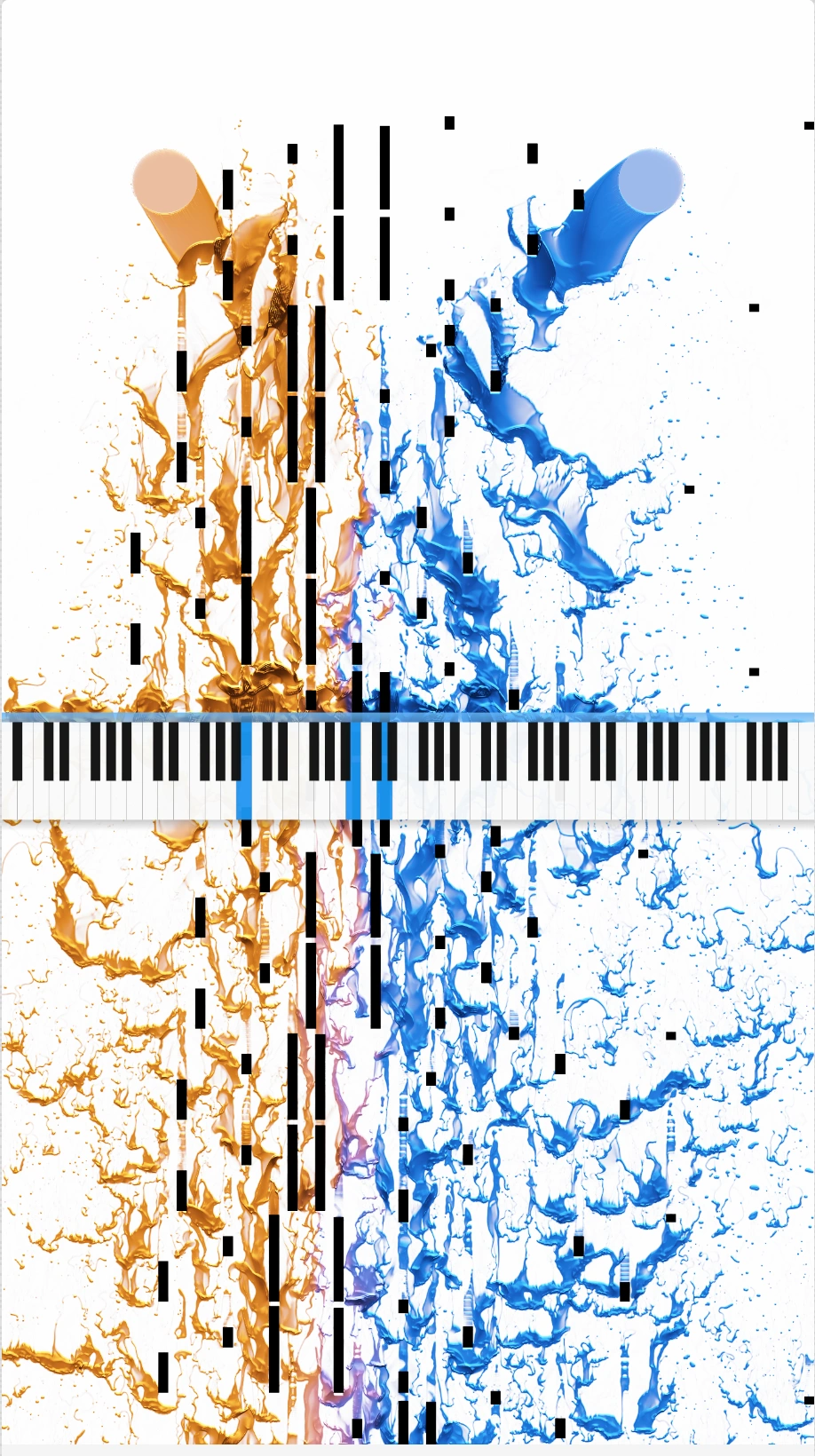
Create stunning video effects for your songs.
Design your own effects in Miditoy, use them in the app, build & share a collection of premade looks.
1
Create your shader in Miditoy
Start in Miditoy. Build a shader, tweak the controls, and preview it against real MIDI playback until the motion feels right.
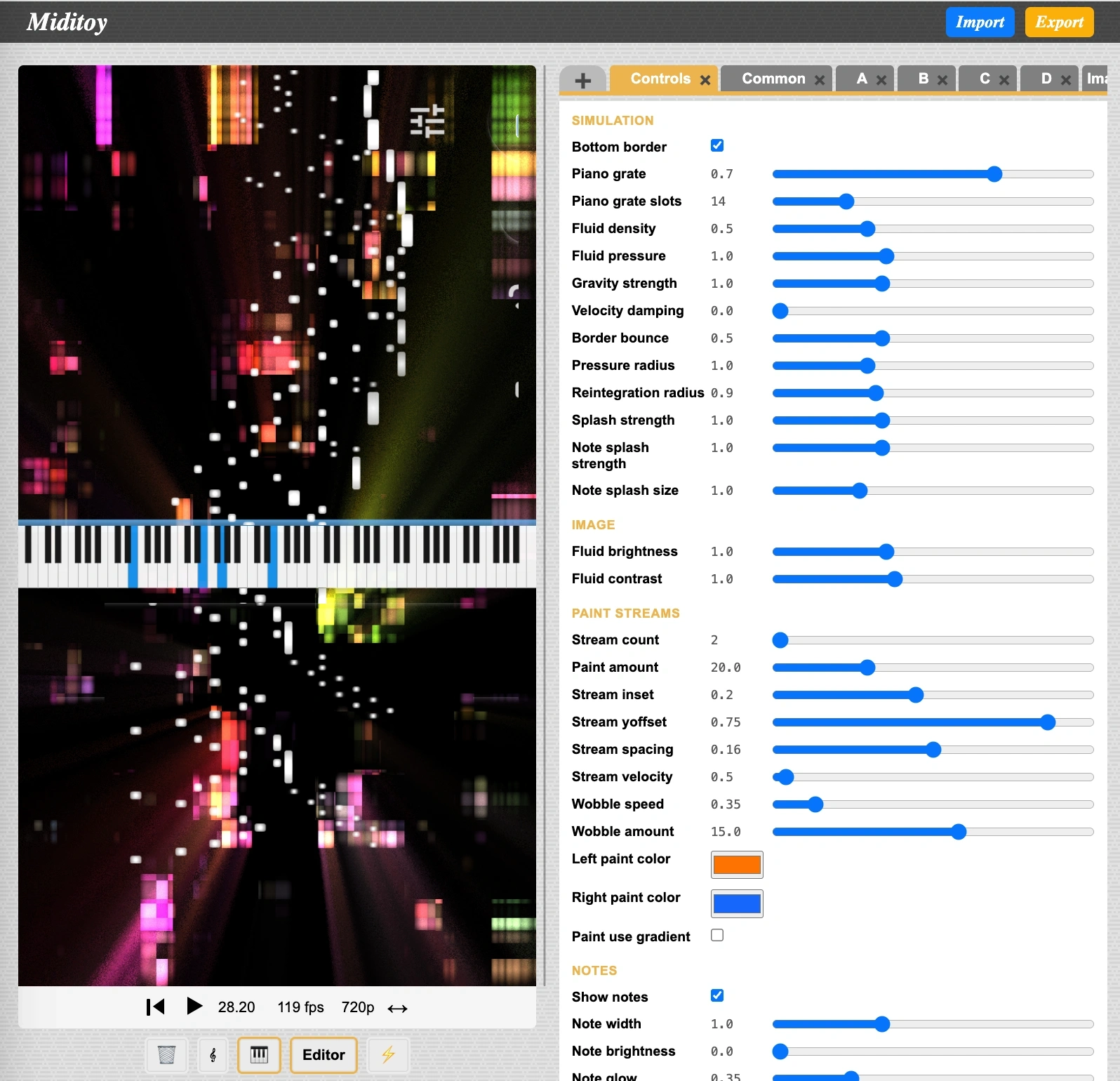
Miditoy is the fastest way to dial in the final look because it already speaks the same visual language as Jamcorder.
2
Export the effect
Jamcorder stores effects as PNG files, with the first few rows of pixel data storing the effect itself. Here is an actual example:
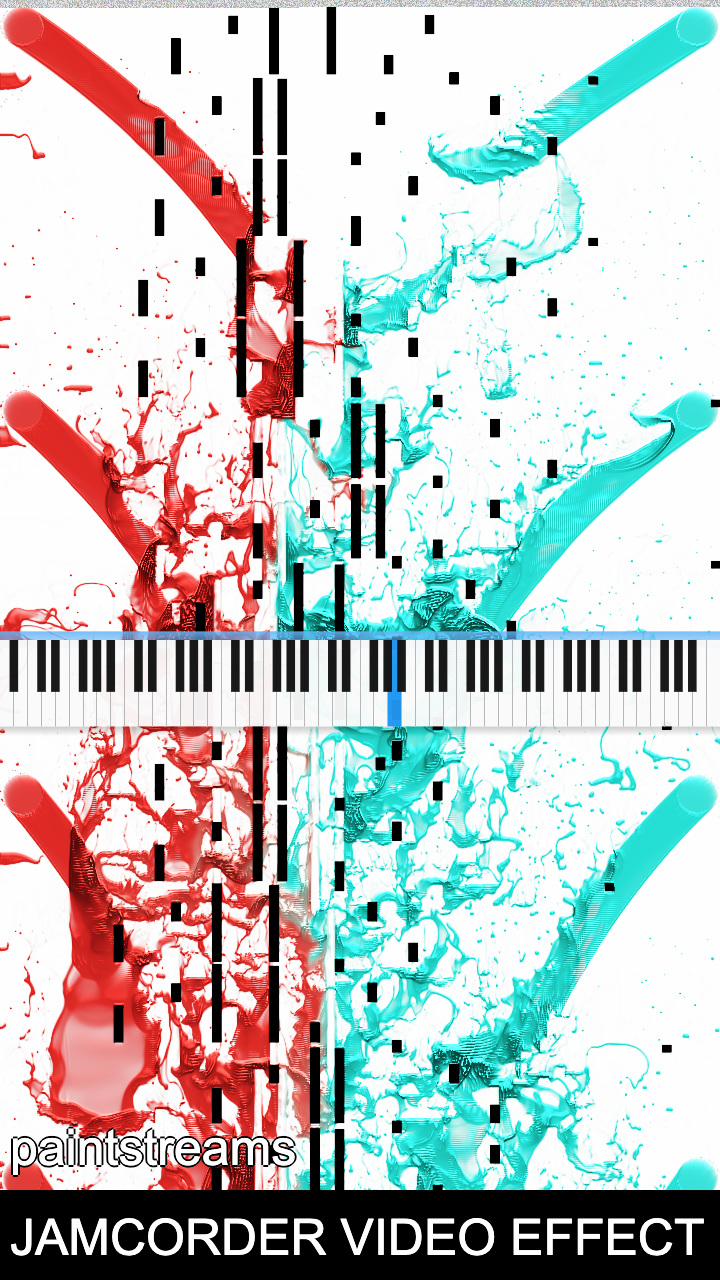
That PNG is the effect! Tap to download it!
3
Load it in Jamcorder
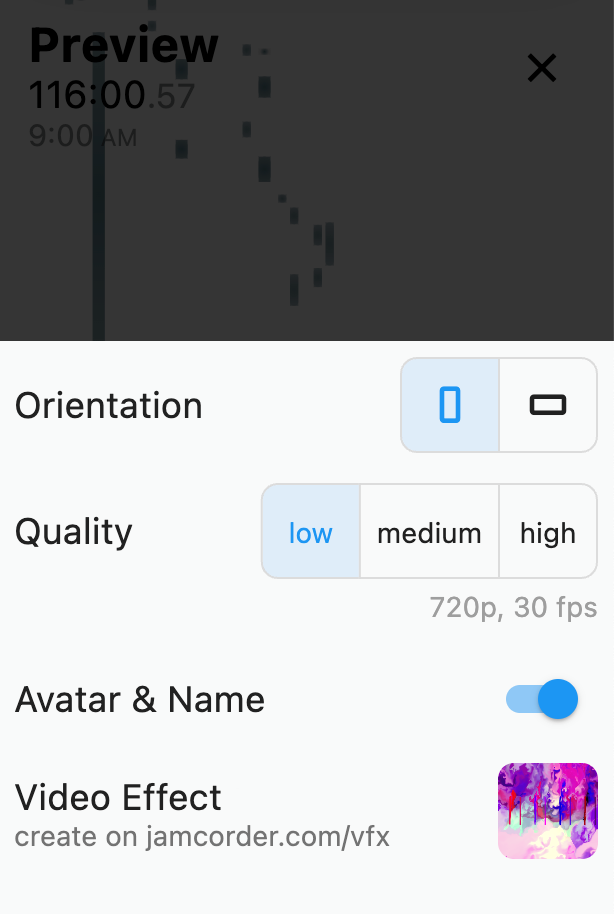
Open Jamcorder and load your effect in PNG or ZIP format. Your visuals react directly to the actual performance.
Submit to Jamcorder
Send your effect to [email protected] with “VFX Submission:” in the subject line. The best effects will be featured in the app!